Using M-Pesa Till (Buy Goods) for Rent Collection: Pros, Cons, and Setup

"I don't need Pay Bill. Till is simpler."
Many landlords start here. And for small portfolios, Till (Buy Goods) can work.
But as you scale, the cracks appear. Payments become hard to track. Reconciliation eats your time. You're not sure who paid.
Here's the full picture on using M-Pesa Till for rent collection — when it works, when it doesn't, and how to set it up properly.
Table of Contents
- Till vs PayBill: The Core Difference
- Why Till Appeals to Small Landlords
- Where Till Breaks Down
- When Till Works
- Setting Up M-Pesa Till
- Making Till Work Better
- Till for Rent: Cost Comparison
Till vs PayBill: The Core Difference
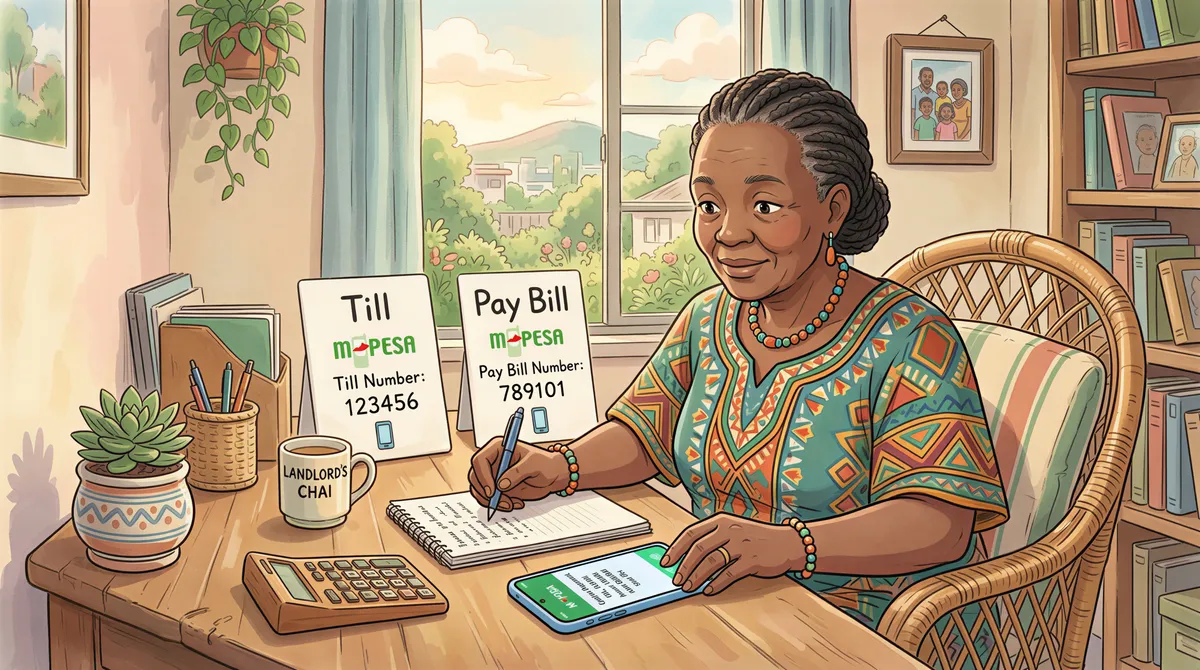
Both are Safaricom business payment solutions. But they work differently:
M-Pesa Till (Buy Goods):
- Tenant selects "Buy Goods"
- Enters your Till number
- Enters amount
- Money goes to your M-Pesa wallet
- No account reference field
M-Pesa Pay Bill:
- Tenant selects "Pay Bill"
- Enters your Pay Bill number
- Enters account reference (unit number)
- Money settles to bank account
- Account reference enables matching
That account reference field is the key difference for landlords.
Why Till Appeals to Small Landlords
For 1-5 units, Till has real advantages:
1. Easier to get
- Apply through *234# or M-Pesa app
- Minimal documentation
- Approved in days, not weeks
2. Instant settlement
- Money lands in your M-Pesa wallet immediately
- No waiting for bank settlement
3. Lower fees
- No monthly charges
- No setup fees
- Only transaction fees (which tenant pays)
4. Simple to use
- Works like regular M-Pesa
- Tenants are familiar
- No bank account required
For a landlord with 3 units who knows each tenant personally, these benefits matter.

Where Till Breaks Down
The problems emerge with scale:
Problem 1: No Account Reference
When a tenant pays to your Till:
- SMS shows: "JOHN K sent KES 25,000"
- You have three Johns
Without the account reference field, you're guessing. Cross-referencing amounts and timing works... until it doesn't.
Problem 2: Mixed with Personal M-Pesa
Till funds go to your M-Pesa wallet — the same one you use for everything:
- Paying for groceries
- Family transfers
- Fuel
Separating business from personal requires manual tracking.
Problem 3: Statement Limitations
M-Pesa statements from Till aren't as clean as bank statements:
- Harder to export
- Limited formatting options
- Mixed transaction types
For KRA reporting, this becomes tedious.
Problem 4: No Auto-Integration
Most property management software integrates with Pay Bill, not Till. You lose automation benefits.
Problem 5: Daily Limits
M-Pesa wallet has transaction limits:
- Daily receive: KES 500,000
- Account balance: KES 300,000
For landlords collecting KES 500,000+/month, this creates issues. You have to keep transferring funds out.

When Till Works
Be honest about your situation:
Till is fine if:
- You have 1-5 units
- You can identify each payment by amount/timing
- You don't mind manual reconciliation
- You're comfortable with M-Pesa wallet limits
- Personal and business funds mixing doesn't bother you
Till is problematic if:
- You have 6+ units
- Multiple tenants pay similar amounts
- You want clean business records
- You need automated tracking
- You're building for scale
Setting Up M-Pesa Till
If Till fits your needs, here's how to get one:
Step 1: Requirements
For individuals:
- National ID
- KRA PIN certificate
- Passport photo
For businesses:
- Business registration certificate
- KRA PIN (business)
- Directors' IDs
Step 2: Application
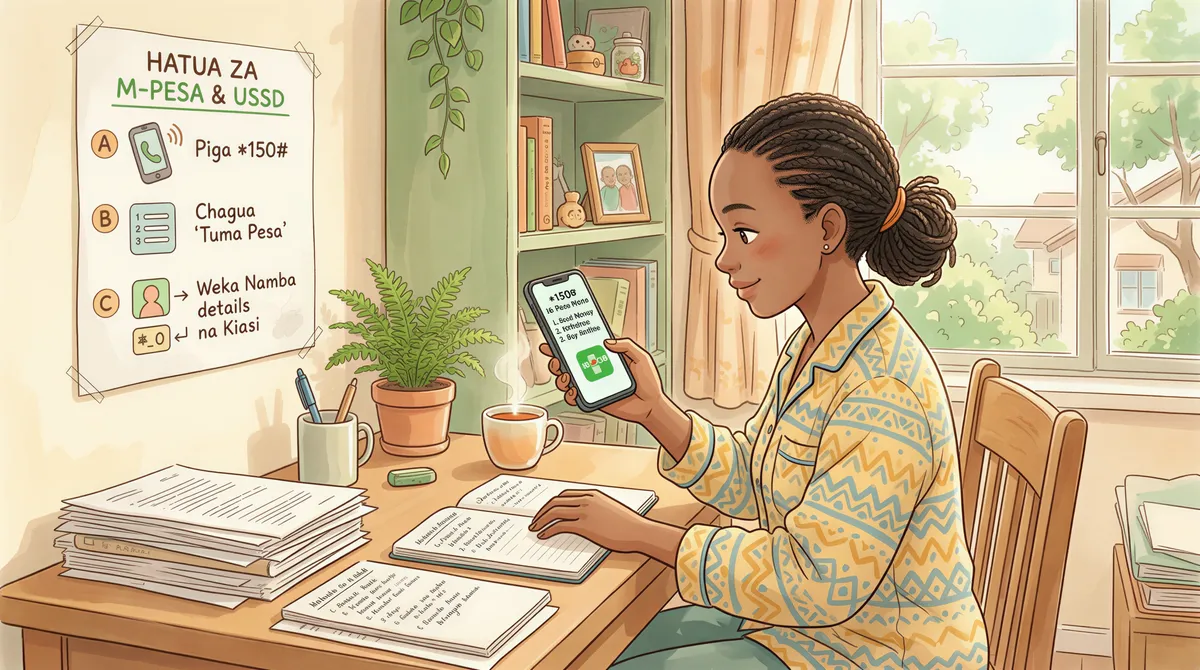
Option A: USSD
- Dial *234#
- Select "Lipa na M-Pesa"
- Select "Apply for Till"
- Follow prompts
- Submit photos of documents
Option B: Safaricom Shop
- Visit Safaricom Business Center
- Request Till/Buy Goods application
- Submit documents
- Complete in-person verification
Option C: M-Pesa Business App
- Download M-Pesa Business app
- Register your business
- Apply for Till through app
- Upload documents digitally
Step 3: Approval
Timeline: 2-5 business days typically.
You'll receive SMS confirmation with your Till number.
Step 4: Test
Before telling tenants:
- Send small amount to your Till
- Verify it arrives
- Check SMS format
- Test withdrawal to personal M-Pesa
Making Till Work Better
If you're committed to Till, these practices help:
Create a Payment Schedule
Ask tenants to pay on specific days:
- Tenant A pays on 1st
- Tenant B pays on 2nd
- Tenant C pays on 3rd
Payments become identifiable by timing.
Use Unique Amounts
If you have flexibility:
- Unit A1: KES 25,000
- Unit A2: KES 25,100
- Unit A3: KES 25,200
Now each payment is unique.
Request Screenshot Confirmations
Tell tenants: "After paying, send me screenshot on WhatsApp."
You get confirmation with their phone number for matching.
Maintain a Tracking Sheet
Create a simple spreadsheet:
| Unit | Tenant | Amount | Expected Date | Received | Reference |
|---|---|---|---|---|---|
| A1 | John K | 25,000 | 5th | Yes | Screenshot |
| A2 | Mary W | 25,100 | 5th | No | - |
Update immediately when payments arrive.
Transfer Out Frequently
Don't let wallet balance hit limits:
- Transfer to bank after each rent cycle
- Keep minimum in M-Pesa wallet
- Document transfers for records
Till for Rent: Cost Comparison
Let's compare actual costs:
Scenario: 8 units, KES 200,000 total rent/month
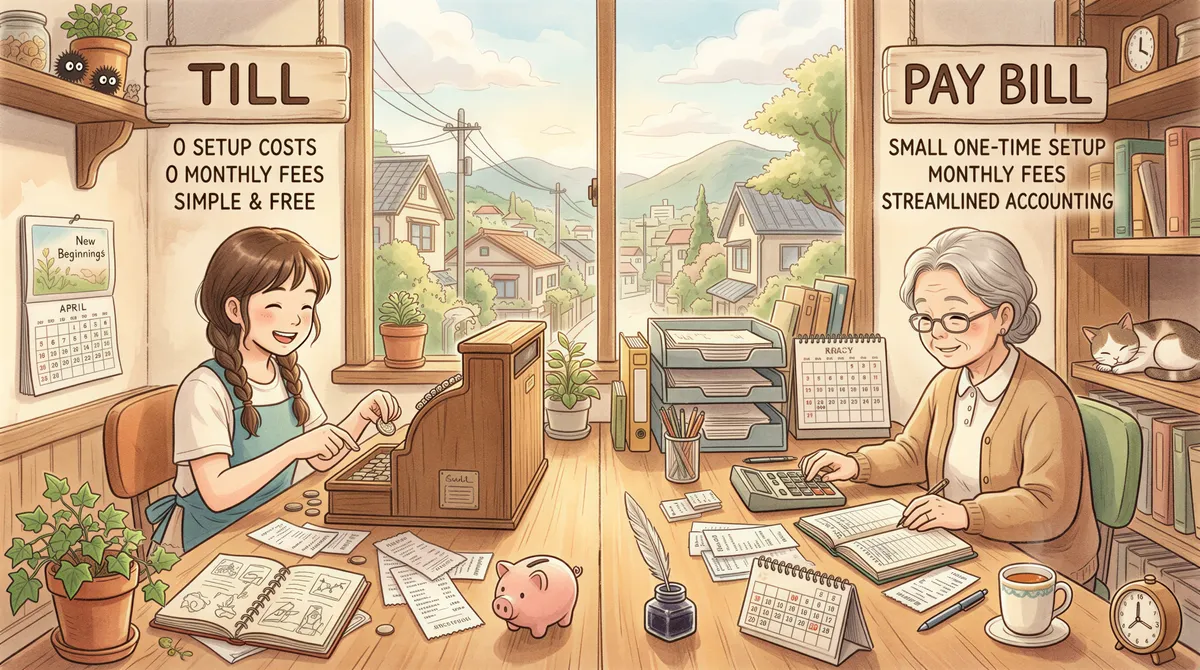
Till (Buy Goods):
- Setup: Free
- Monthly fee: Free
- Transaction fees: Paid by tenant
- Your cost: KES 0/month
Pay Bill (through bank):
- Setup: KES 3,000-5,000 (one-time)
- Monthly fee: KES 1,000 (often waived)
- Transaction fees: Paid by tenant
- Your cost: KES 0-1,000/month
On pure cost, Till wins.
But factor in your time:
- Till reconciliation: 2+ hours/month
- Pay Bill reconciliation: 30 minutes/month
At any reasonable hourly value, Pay Bill pays for itself.
The honest truth: Most landlords start with Till because it's easy. Most eventually switch to Pay Bill because scaling with Till is painful.
If you're planning to grow, start with Pay Bill. The extra setup is worth it.
Already outgrowing Till? KodiSawa integrates with M-Pesa Pay Bill for automatic payment matching. Stop the manual reconciliation headache. Try free for 14 days.
Start Tracking Rent Today
Track every unit, tenant and rent payment in one place. Start your 14-day free trial today.
Pay Bill and Buy Goods integration built in
Manage all your properties from one dashboard
Tax-ready reports for hassle-free filing