Ask Safaricom to Connect M-Pesa for You
If you would rather not create a developer account, or hand anyone any keys, you do not have to. Safaricom can set the connection up on their side.
You share nothing with KodiSawa. The trade is time: Safaricom answer on their own schedule, so this is the slower route.
Table of Contents
- Get your URL first
- Send the email
- Why "Completed" matters
- You do not need external validation
- How long it takes
- When it is done
- The faster alternative
Get your URL first
Every KodiSawa workspace has its own confirmation URL. It is in Settings, then Workspace, then the M-Pesa tab, once you have saved your Pay Bill or till number.
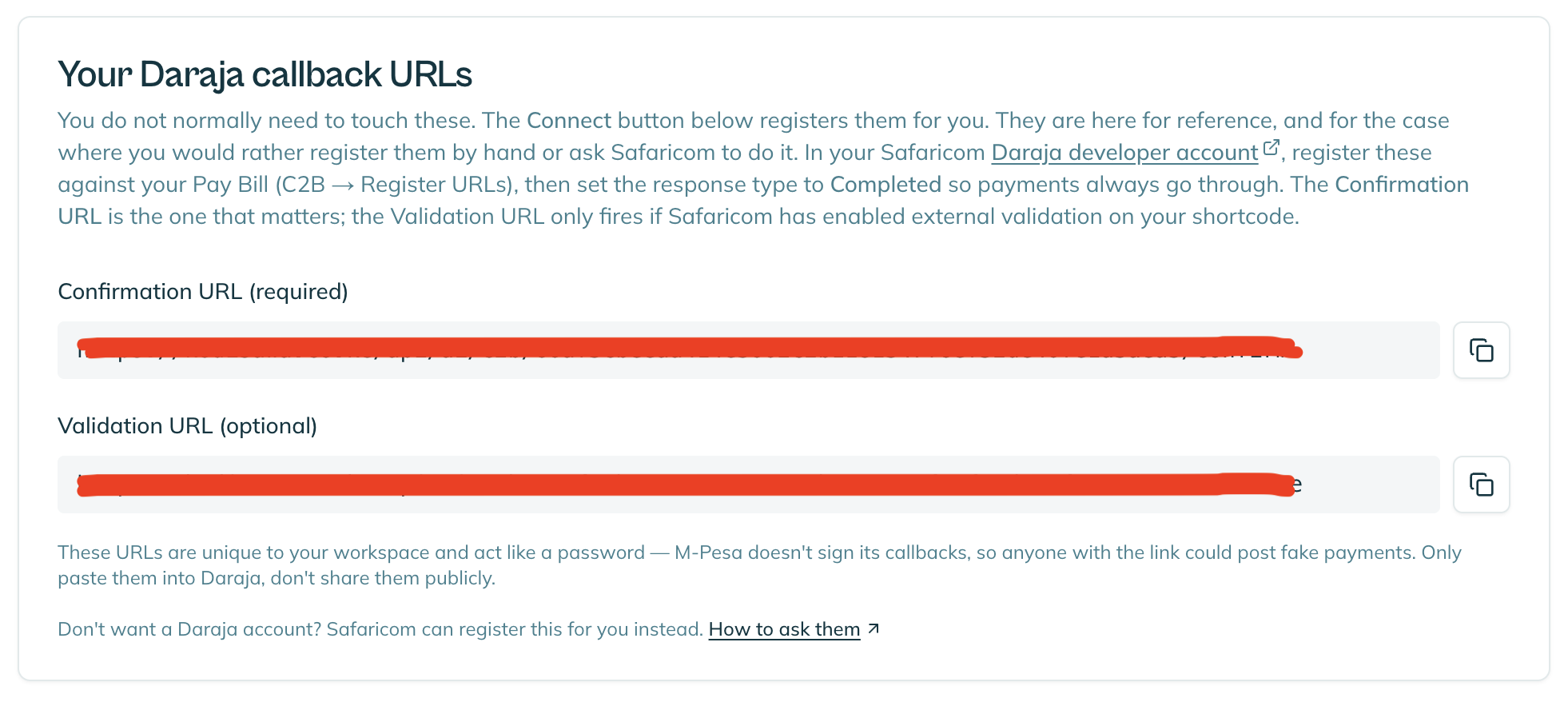
Keep this URL private. It is unique to your account and acts like a password. Anyone who has it could send us fake payment notifications. Put it in the email to Safaricom and nowhere else.
Send the email
Write to APIfeedback@safaricom.co.ke, copying apisupport@safaricom.co.ke.
Send it from the email address you use to log in to org.ke.m-pesa.com. That is how Safaricom confirm you actually own the number. From any other address the request tends to go nowhere.
Ask them for three things:
- Enable C2B API for your shortcode. On a Pay Bill that is your Pay Bill number. On a till it is your store number, not the till number your customers dial.
- Register the confirmation URL from your settings page
- Set the response type to Completed
Say what it is for. A bare request to switch on an API tends to sit in a queue; a request that explains itself gets actioned.
Something like:
We use KodiSawa (kodisawa.co.ke), a rent management system, to track payments made to our till. Registering this confirmation URL is how M-PESA notifies KodiSawa of each payment so it can be matched to the right tenant automatically.
We therefore request that C2B API be enabled for our shortcode [YOUR PAY BILL OR STORE NUMBER], and that the following confirmation URL be registered against it: [YOUR URL]. Response type: Completed. External validation is not required.
Why "Completed" matters
It is one line and it is worth understanding.
Response type Completed means a tenant's payment goes through even if our servers are unreachable. The alternative fails the payment at the till, which would turn a problem on our side into your tenant standing in a shop unable to pay rent.
Always ask for Completed.
You do not need external validation
Safaricom may offer to enable "external validation". You do not need it, and we would rather you did not.
It adds a round trip to our servers before every payment can complete. We accept everything anyway, so it buys nothing and adds a step that could fail. Only the confirmation URL matters.
How long it takes
Safaricom do not publish a turnaround. Plan for days rather than hours.
If you have not heard back after a couple of days, call 2222 from a Safaricom line (or 0722 002 222) and ask them to check on the request. A call rarely jumps the queue on its own, but it does get you a ticket reference and confirmation the email arrived.
When it is done
Safaricom will confirm the URL is registered. Tell us and we will check it on our side, then test with a small payment.
Nothing else is needed from you. No keys, no codes, no developer account.
The faster alternative
If waiting is the problem, connecting with your own Daraja keys takes about 15 minutes and you can do it yourself today.