M-Pesa Pay Bill vs Buy Goods for Rent Collection: Which is Better?
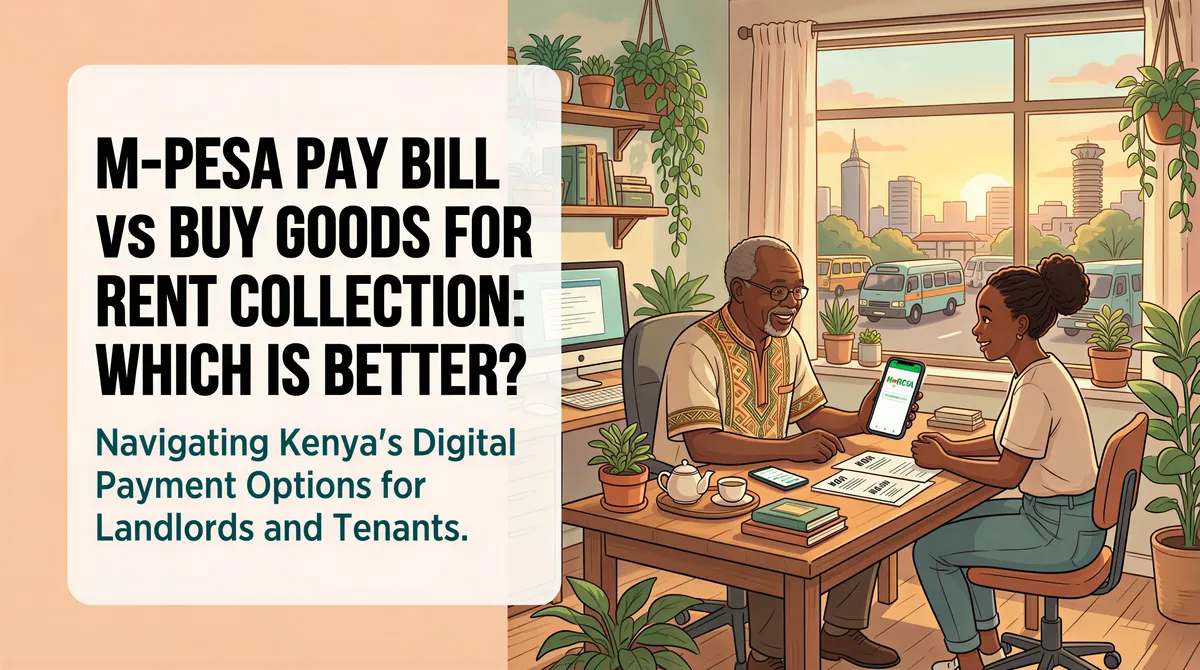
"Just send to my M-Pesa."
Famous last words of every landlord who later spent hours reconciling payments.
When you have 2-3 tenants, personal M-Pesa works fine. But scale to 10, 20, or 50 units? You need a proper system.
That's where Pay Bill and Buy Goods come in. But which one should you use for rent collection?
Let's break it down.
Table of Contents
- The Problem with Personal M-Pesa
- What is M-Pesa Pay Bill?
- What is M-Pesa Buy Goods (Till)?
- Head-to-Head Comparison
- Pay Bill: The Pros
- Pay Bill: The Cons
- Buy Goods (Till): The Pros
- Buy Goods (Till): The Cons
- So, Which Should You Choose?
- Setting Up Pay Bill for Rent Collection
- Making Reconciliation Easier
- What About Cheques and Bank Transfers?
- The Bottom Line
The Problem with Personal M-Pesa
Before we compare, let's acknowledge why you're reading this.
Personal M-Pesa for rent collection creates chaos:
- Payments mixed with personal transactions
- No automatic record of who paid what
- Tenant names don't always match M-Pesa names
- Scrolling through hundreds of messages to find payments
- No official receipts for tenants
It works when you're starting out. It breaks when you grow.

What is M-Pesa Pay Bill?
Pay Bill is a business payment solution from Safaricom.
How it works:
- You get a unique Paybill number
- Tenant pays to that number with an account reference (like their unit number)
- Money goes to your business bank account
- You get an SMS confirmation
Common Paybill examples:
- KPLC: 888880
- DSTV: 444900
- Your rent collection: [Your unique number]
Pay Bill is designed for businesses receiving payments from multiple customers.

What is M-Pesa Buy Goods (Till)?
Buy Goods — also called Till — is simpler.
How it works:
- You get a Till number linked to your M-Pesa
- Tenant pays to the Till number
- Money goes directly to your M-Pesa wallet
- You get an SMS confirmation
Originally designed for retail shops, but many landlords use it for rent.

Head-to-Head Comparison
| Feature | Pay Bill | Buy Goods (Till) |
|---|---|---|
| Money goes to | Bank account | M-Pesa wallet |
| Account reference | Yes (unit number) | No |
| Setup cost | KES 1,000-5,000 | Free - KES 300 |
| Monthly fees | Varies by bank | None |
| Transaction fees | Lower (0.5-1%) | Higher for cash-out |
| Reversal possible | Harder | Easier |
| Business registration required | Yes | No |
| Daily limit | KES 500,000+ | KES 300,000 |
Pay Bill: The Pros
1. Account Reference Field
This is the killer feature.
Tenants enter their unit number (A1, B12, etc.) when paying. You instantly know which payment belongs to which unit.
No more guessing. No more "who sent this KES 25,000?"
2. Direct to Bank Account
Money flows straight to your business account. No need to withdraw from M-Pesa and deposit manually.
Better for:
- Tax compliance
- Loan applications
- Property expense tracking
3. Lower Transaction Costs
Banks typically charge 0.5-1% per transaction. Compare that to M-Pesa's tiered cash-out fees, and you save on high-volume months.
4. Professional Image
Pay Bill numbers look legitimate. Tenants trust them more than personal M-Pesa or Till numbers.
5. Higher Limits
Need to receive KES 500,000+ in a day? Pay Bill handles it. Personal M-Pesa and Till have lower ceilings.
Pay Bill: The Cons
1. Setup Hassle
You need:
- Business registration (sole proprietor works)
- Bank account with Pay Bill integration
- Application process (1-4 weeks)
Not a "start today" solution.
2. Monthly Fees
Some banks charge monthly maintenance fees. Others don't. Check with your bank.
3. Bank Dependency
Your Pay Bill is tied to a specific bank. Switching banks means getting a new number — and updating all your tenants.
Buy Goods (Till): The Pros
1. Quick Setup
Walk into a Safaricom shop. Get a Till number same day. Start receiving payments immediately.
No business registration required for basic Till.
2. No Monthly Fees
Zero recurring costs. You only pay when withdrawing to bank or M-Pesa.
3. Money in Your Pocket
Funds go straight to M-Pesa. Need to pay a plumber? Transfer instantly. No waiting for bank processing.
4. Familiar to Tenants
Everyone knows how to Buy Goods. It's the same process they use at the supermarket.
Buy Goods (Till): The Cons
1. No Account Reference
This is the dealbreaker for serious landlords.
When a tenant pays, you only see:
- Amount
- Phone number
- Name (sometimes truncated)
With 20 units, you'll spend hours matching payments to tenants. Some names won't even match your records.
2. Cash-Out Fees
Moving money from M-Pesa to bank costs money. At scale, these fees add up.
3. Reversal Risk
M-Pesa reversals are easier with Till. A tenant could claim fraud and reverse payment. Pay Bill reversals are harder to initiate.
4. Lower Limits
Daily transaction limits are lower than Pay Bill. High-rent properties might hit ceilings.
So, Which Should You Choose?
Here's my honest take:
Choose Pay Bill if:
- You have 10+ rental units
- You want automatic payment identification (account reference)
- You need funds in a bank account for compliance/loans
- You're in this for the long term
Choose Buy Goods if:
- You have fewer than 10 units
- You want to start immediately
- You prefer M-Pesa flexibility
- You don't mind manual reconciliation
The hybrid approach:
Some landlords use both. Till for quick payments and emergencies. Pay Bill as the primary channel.
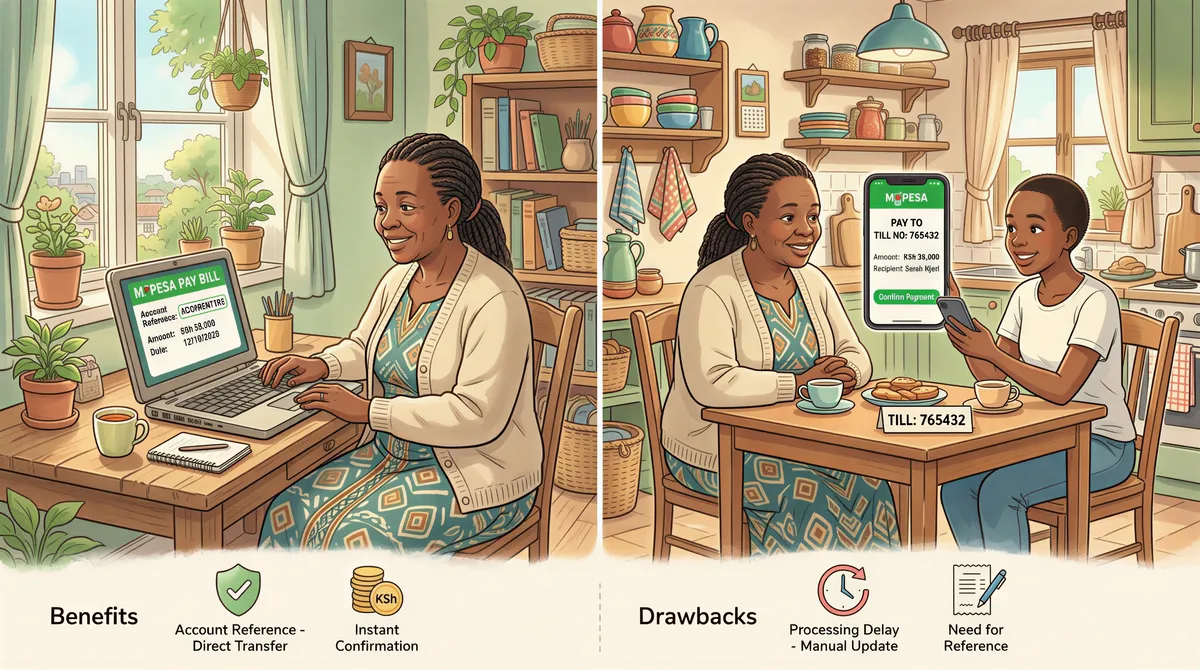
Setting Up Pay Bill for Rent Collection
Ready to go the Pay Bill route? Here's the process:
Step 1: Choose a Bank
Banks offering Pay Bill integration:
- KCB
- Equity
- Co-operative Bank
- Stanbic
- NCBA
- Absa
Compare their fees before deciding.
Step 2: Open a Business Account
You'll need:
- Business registration certificate (or sole proprietor)
- KRA PIN
- ID copies
- Initial deposit
Step 3: Apply for Pay Bill
Request Pay Bill integration through your bank. They handle the Safaricom application.
Timeline: 1-4 weeks depending on the bank.
Step 4: Test It
Once approved, send a small test payment. Confirm it reflects in your account correctly.
Step 5: Communicate to Tenants
Send a notice:
- Your Pay Bill number
- Account reference format (unit number)
- Deadline for rent
Making Reconciliation Easier
Even with Pay Bill, you'll still need to track payments. The account reference helps, but you need a system.
Options:
1. Manual spreadsheet
- Free
- Time-consuming
- Error-prone
2. Bank statements
- Download monthly
- Cross-reference with tenant list
- Still manual work
3. Property management software
- Automatic M-Pesa matching
- Real-time payment tracking
- Instant reports
Software like KodiSawa connects to your Pay Bill and automatically matches payments to tenants. No more spreadsheets.
What About Cheques and Bank Transfers?
Some tenants prefer these. That's fine.
For bank transfers, give tenants your account number and ask them to include their unit number in the reference field.
Cheques? Deposit them and manually record the payment. Some tenants still insist — especially older corporate tenants.
The Bottom Line
Pay Bill is better for serious landlords. The account reference feature alone saves hours every month.
Buy Goods works for small portfolios where you know every tenant personally.
Whatever you choose, get away from personal M-Pesa. Your future self will thank you.
Tired of reconciling M-Pesa payments manually? KodiSawa automatically matches payments to tenants — whether Pay Bill or Till. Try it free for 14 days.
Start Tracking Rent Today
Track every unit, tenant and rent payment in one place. Start your 14-day free trial today.
Pay Bill and Buy Goods integration built in
Manage all your properties from one dashboard
Tax-ready reports for hassle-free filing